AIFeature
The AI PC was a sticker. This year it became a computer.
Every new laptop now ships with a neural processor. We spent a month working entirely on-device — no cloud, no subscriptions — to find out what that actually changes.

By Amara Okafor
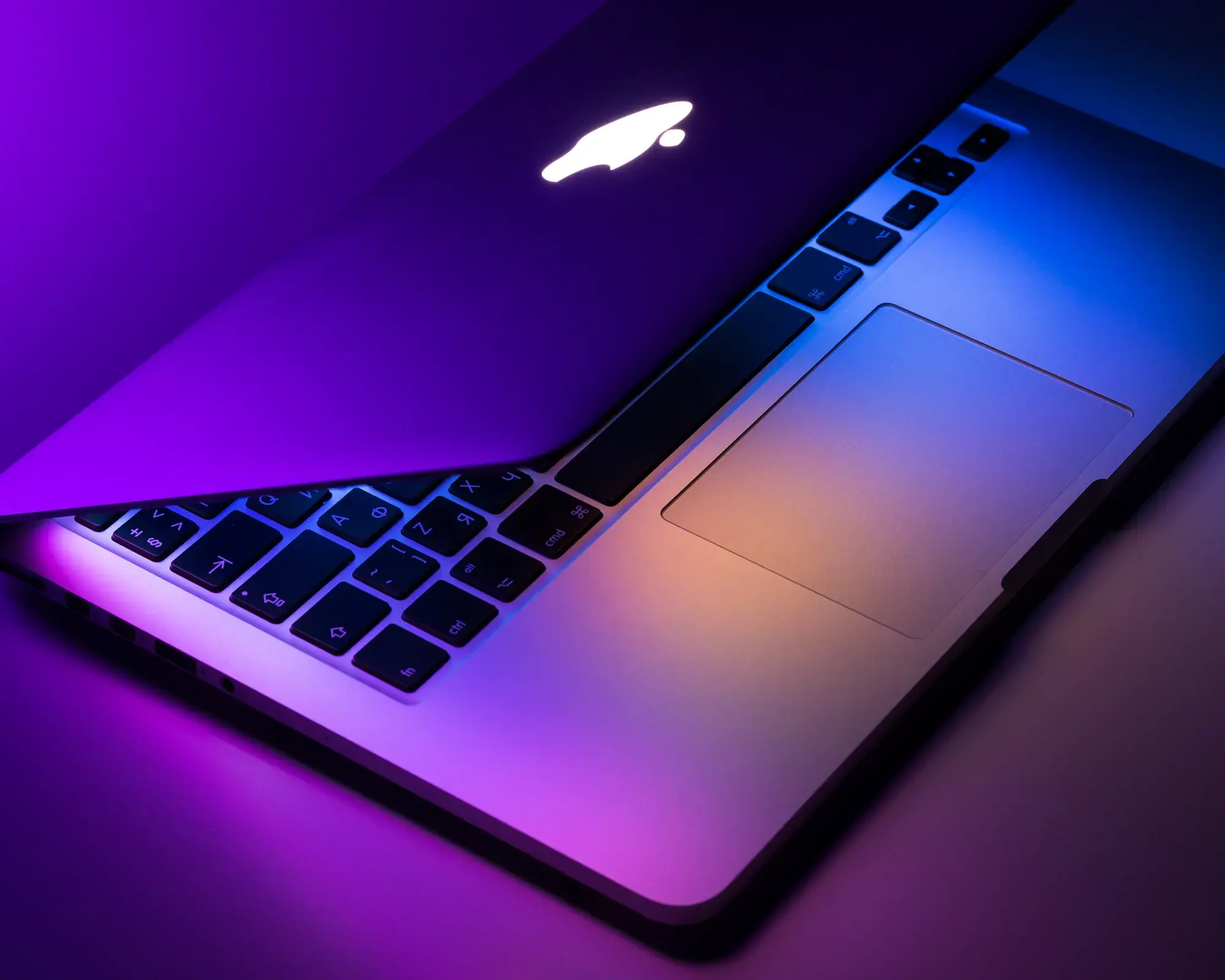
For the past two years, “AI PC” has mostly meant a sticker on the palm rest and a new key on the keyboard. The neural processing units inside were real, but the software that used them was thin: background blur for video calls, a slightly better noise filter and a chatbot that quietly sent your prompts to a data center anyway.
That has changed faster than almost anyone expected. The laptops shipping this autumn run speech recognition, translation, photo search and a capable writing assistant entirely on the machine. For a month, three of us worked with our Wi‑Fi switched off for everything except email — and most days we barely noticed.
What “on-device” actually buys you
The obvious win is privacy. When a model runs locally, your voice notes, documents and screenshots never leave the laptop. There is no server log to subpoena and no training opt-out to hunt for in a settings menu.
The less obvious win is speed. A local model doesn’t wait for a network round trip, so features like live captions and smart search feel instant in a way cloud features rarely do. Searching a photo library for “receipts from Lisbon” returned results before we had finished typing.
“The best AI features are the ones you stop noticing. They just feel like the computer got smarter.”
The catch: memory, battery and heat
Local models are hungry. The assistants we tested wanted at least 16GB of memory to feel comfortable and 32GB to feel fast. Machines with 8GB still ship, but they quietly fall back to the cloud for anything heavier than transcription.
- Plan on 32GB of memory if you want to run larger models locally.
- Expect a 10–15 percent battery hit on days you lean on AI features.
- Thin-and-light machines run warm during long summarisation jobs.
Should you upgrade for it?
Not on its own. If your laptop is less than three years old, today’s on-device features are a pleasant bonus, not a reason to spend $1,500. But if you are due for a new machine anyway, buy for memory. It is the spec that decides how much of this future you get to use.

Written by
Amara Okafor
AI Correspondent
Amara reports on artificial intelligence: the research, the business and the people it affects. She trained as a data scientist and is based in London.
More from Amara